
Start for Free Book a Demo Contact
Platform Login
Seamlessly connected

Integrations

Evoya fits into your existing IT landscape – with native connections, your own interfaces, and the Model Context Protocol (MCP).
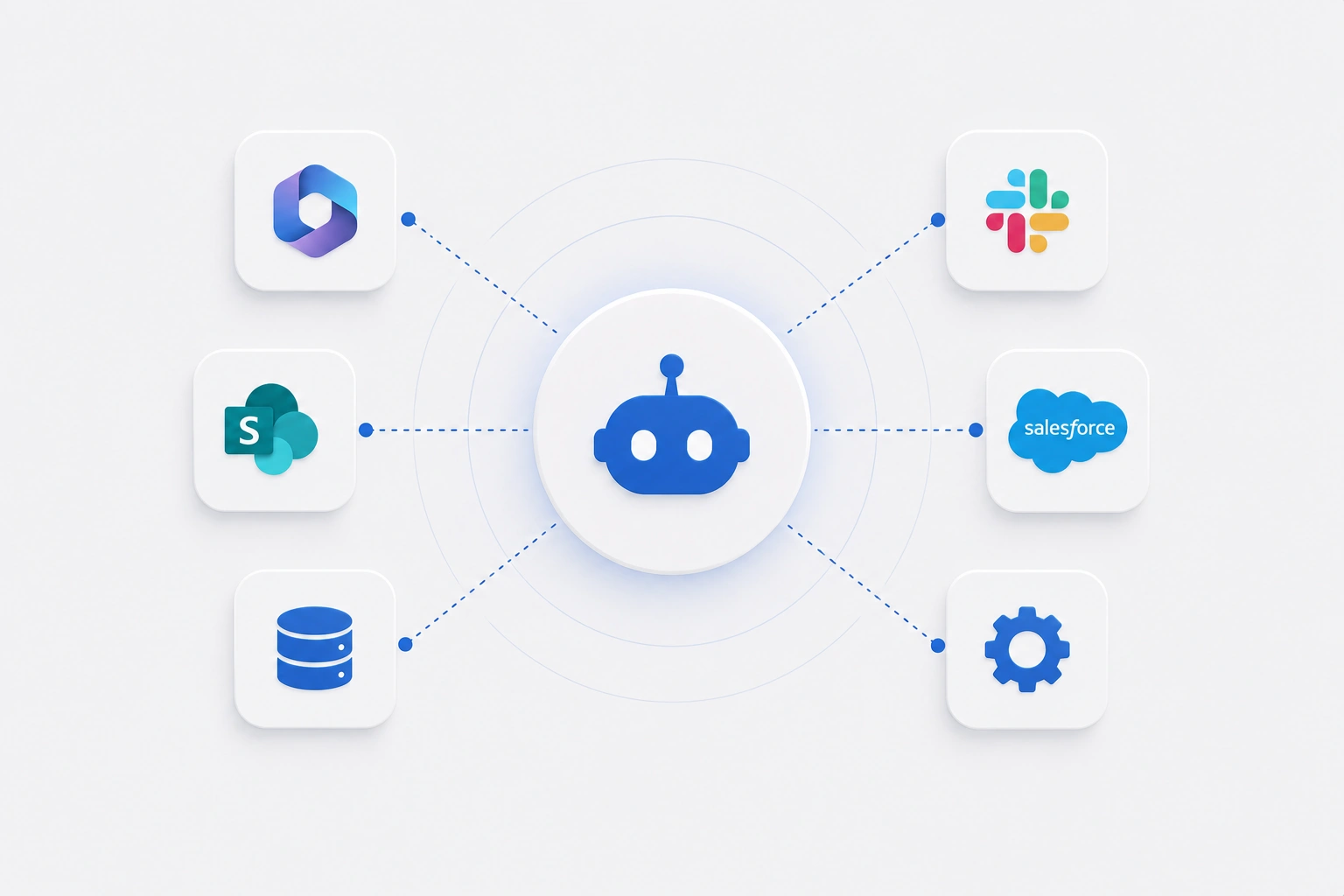
Evoya integrations via native connections, custom APIs, and the Model Context Protocol (MCP)

Three ways to connect Evoya with your systems

From native connections to custom interfaces – choose the path that fits your IT landscape.
Native integration of Evoya with Microsoft 365 – Outlook and SharePoint
Native

Ready to use right away: Microsoft 365 natively connected

Evoya already integrates directly with Microsoft 365 – Outlook Mail and Outlook Calendar can be connected right away, and SharePoint gives access to your documents and file libraries. No extra setup required.

More about Evoya E-Mail
Configuring a custom integration via an API on the Evoya platform
Custom

Build your own integrations – in a simple, straightforward way

If your system provides an API, you can connect it to Evoya yourself using our tools – no coding required. Configuration happens directly on the platform, and the connected data and actions are then available in chat or in agents.

Integration of existing MCP servers with Evoya, e.g. Atlassian Jira, Confluence, and Exa
MCP

Connect via MCP – link existing servers with ease

Using the Model Context Protocol (MCP), you connect existing MCP servers in just a few steps. Already integrated are, among others, Atlassian Jira and Confluence, as well as the Exa search engine. If a connection is missing, we build it for you as a service – whether as an API or as an MCP server.

More about Evoya Agents

Ready to connect Evoya with your systems?

Start with the native connections, or let us show you in a demo how to add your own integrations and MCP servers.

Frequently asked questions about integrations

Evoya already connects directly to Microsoft 365: Outlook Mail and Outlook Calendar can be linked right away, along with SharePoint for access to documents and file libraries. These connections work out of the box, with no extra setup required.
Using our tools, you configure your own integrations directly on the platform – in a simple, straightforward way. The only requirement is that the target system provides an API. No coding skills are needed.
MCP is an open standard that lets AI applications like Evoya communicate with external systems. If an MCP server already exists for a system, it can be connected to Evoya with ease.
Currently integrated are, among others, Atlassian Jira and Confluence, as well as the Exa search engine. Additional existing MCP servers can be connected as well.
If a suitable API or MCP connection is missing, we build it for you as a service – tailored to your system and requirements.
Yes, all integrations meet the same high security standards as the entire Evoya platform and comply with Swiss FADP and EU GDPR. Learn more on our Security & Privacy page.